不常用的 Git 指令技巧
10 Jun 2020
不是很常用的指令
不是很常用的指令,但在某些環境中(例如正式機),可以透過指令方式取得Git的資訊
過濾出 commit 的人名稱
git log --format='%an'
過濾出 commit 的人名稱,並按照名稱排序
git log --format='%an' | sort
取唯一名稱並統計 commit 次數
git log --format='%an' | sort | uniq -c
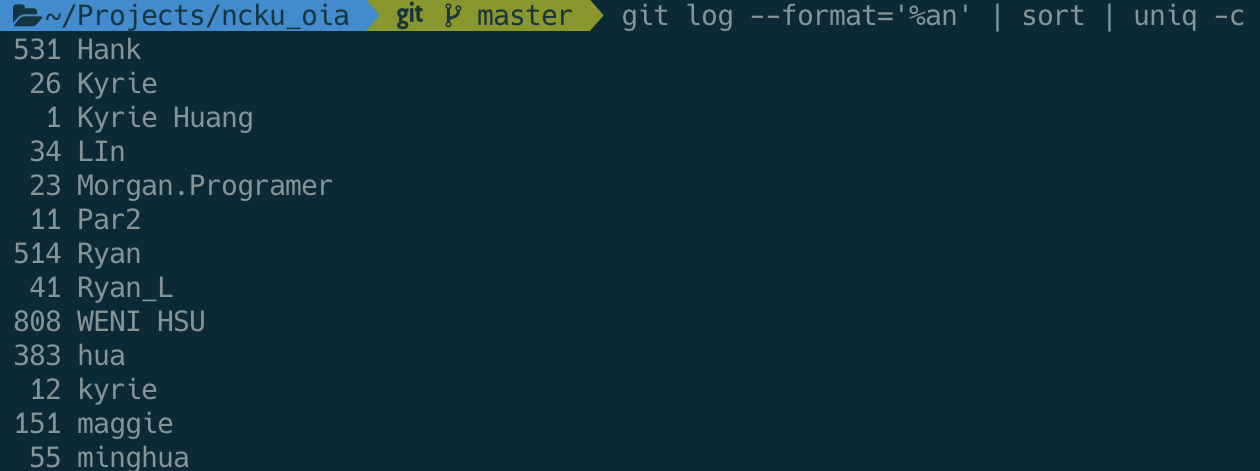
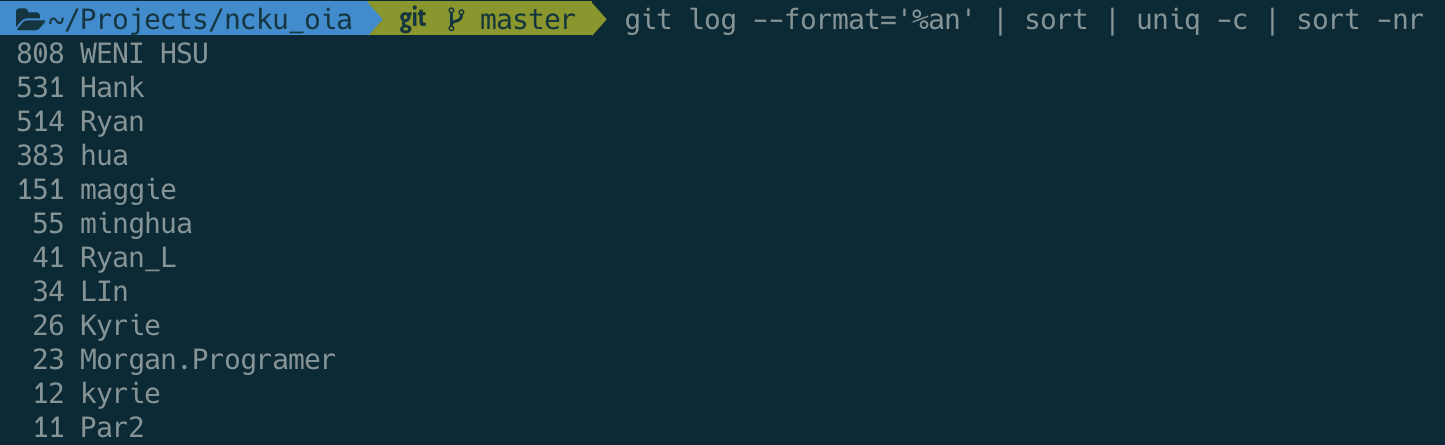
過濾出 commit 的人名稱,按照 commit 次數排序
git log --format='%an' | sort | uniq -c | sort -nr
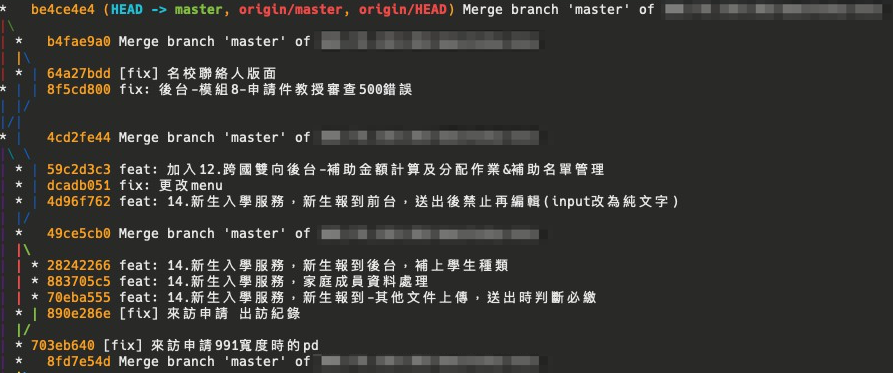
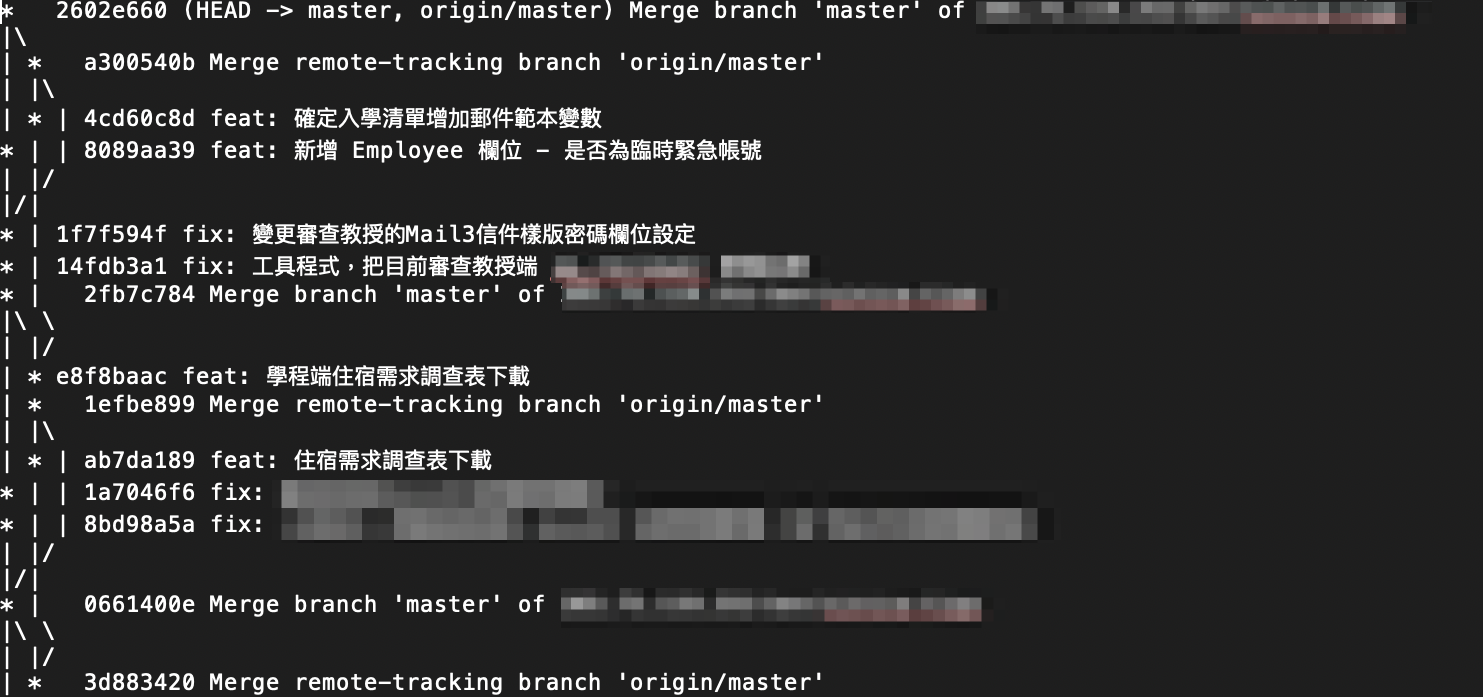
分支歷程圖示化 Graph
git log --all --graph --decorate --oneline
輸出成文字檔案
git log --all --graph --decorate --oneline > git.txt
列出最後一筆變動的檔案清單
git show --name-only
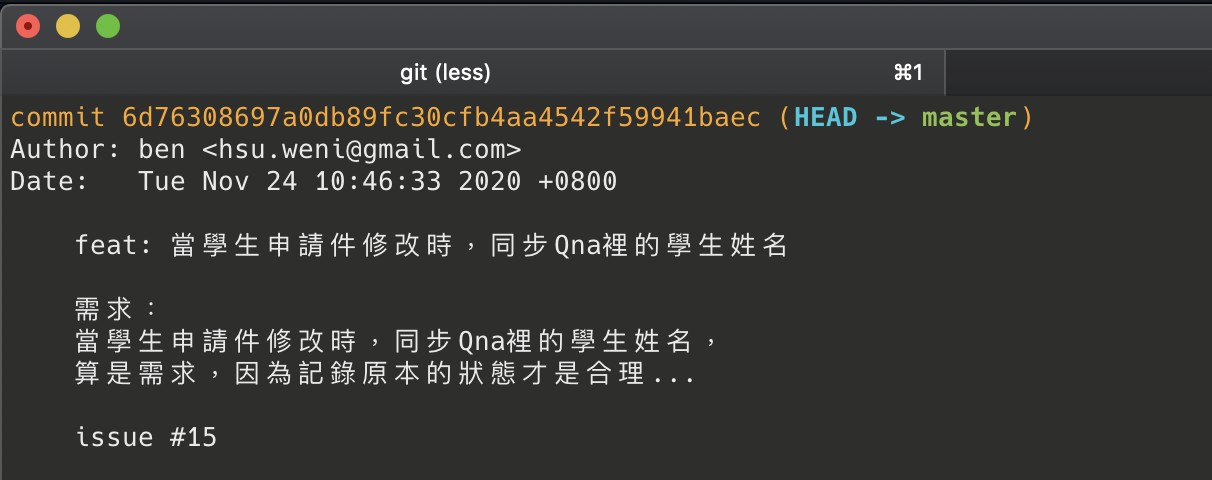
這是指定看某一次的 commit,先用 git log 去查 hash 碼,取前 6 位就好
git show b7e09ff --name-only
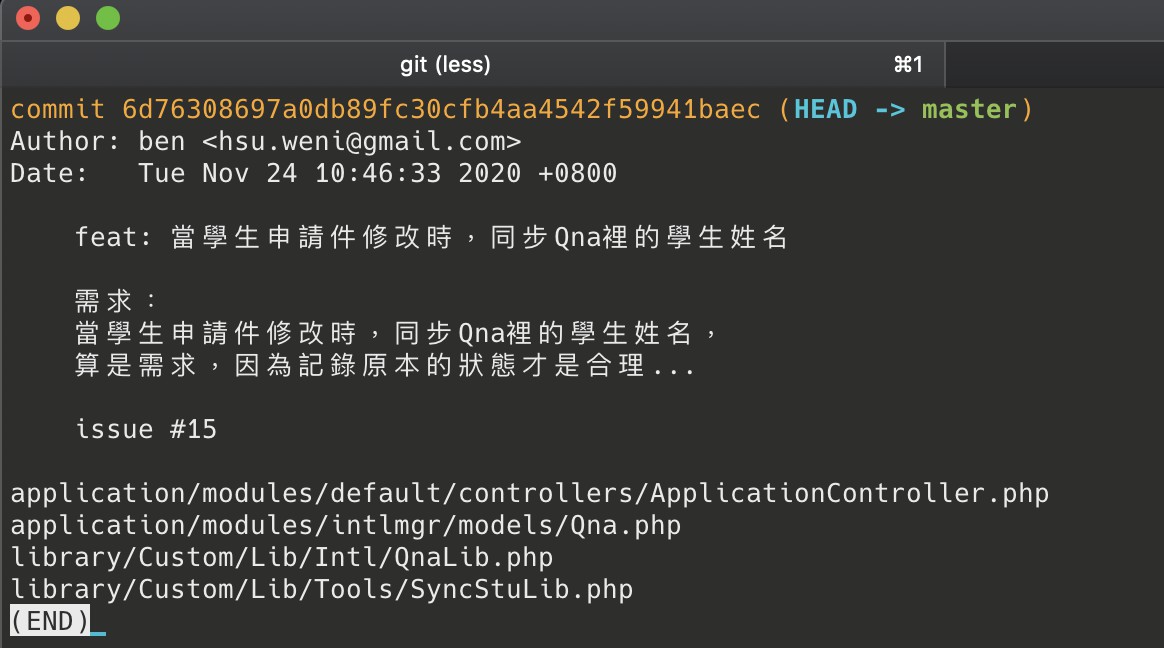
這是看 master 分支往前數 4 次的記錄,所以也可以改 3 次,2 次等等
git show master~4 --name-only
如果用以下指令,會列出所有記錄 ( 包含檔案列表 )
git log --name-only
回上一頁